Free AI GIF Face Swap Online.
Put Your Face in Any Reaction GIF • Zero Watermark.
Animate your face across viral reaction GIFs, TV moments, and pop-culture loops with LZW palette optimization and sub-pixel edge alignment. Enjoy smooth frame rates and sharp transparency. 100% Free, unlimited browser exports, zero watermarks, and no sign-up required.
 24 Frames • loop=0
Base reaction GIF whose face will be replaced across every frame
 Face ID Ready

Try Trending Viral Meme & Reaction GIF Presets
Click any animated loop below to load it into the GIF studio instantly—no need to hunt on GIPHY or Tenor first.
24f
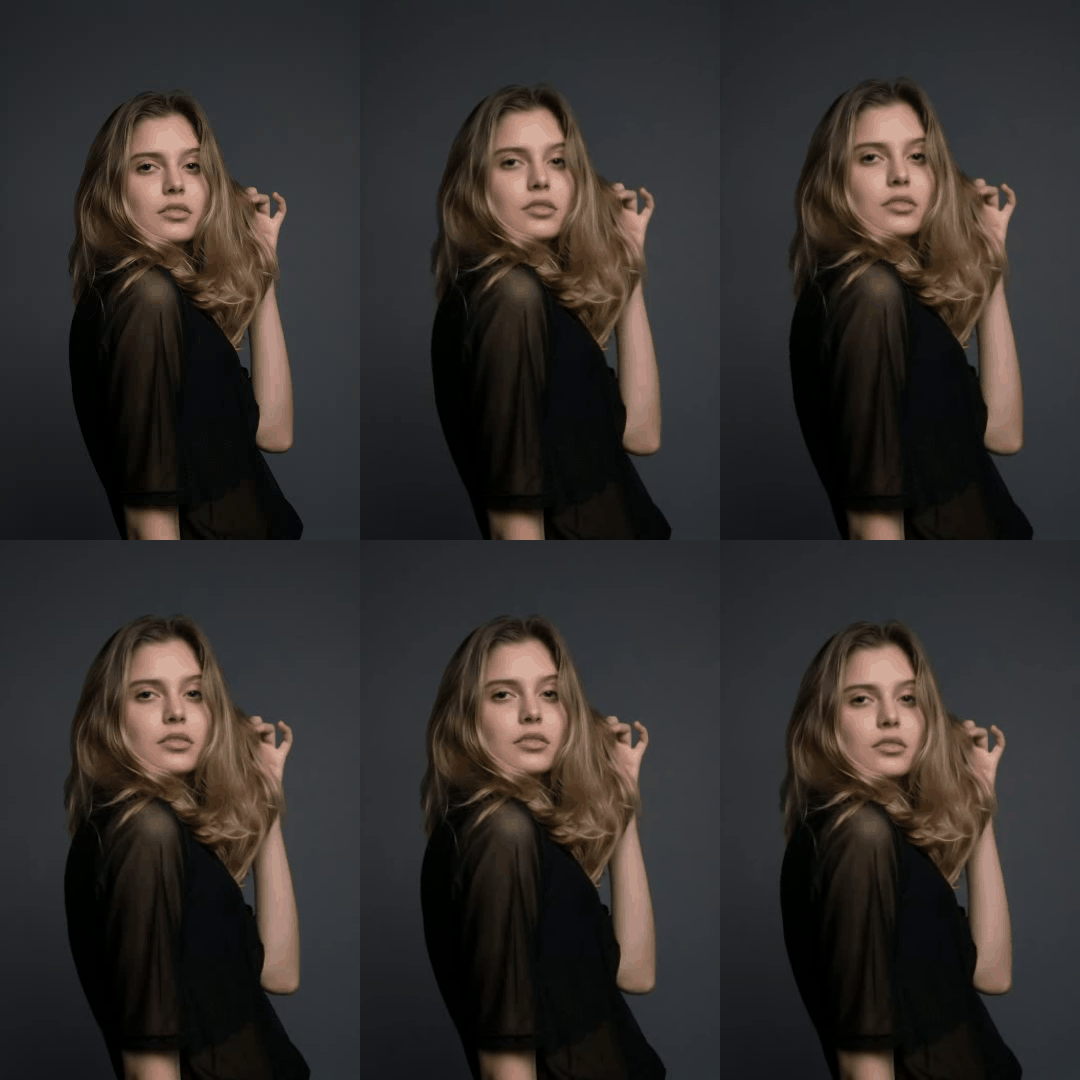
Editorial Reaction
Runway Confidence Loop
High-fashion head turn and smile loop ideal for glow-up reactions.
 24f
Cinema Hero Meme
Hero Suit Reveal
Put yourself or a teammate inside an iconic powered-armor reaction loop.
 24f
Discord / Gaming Loop
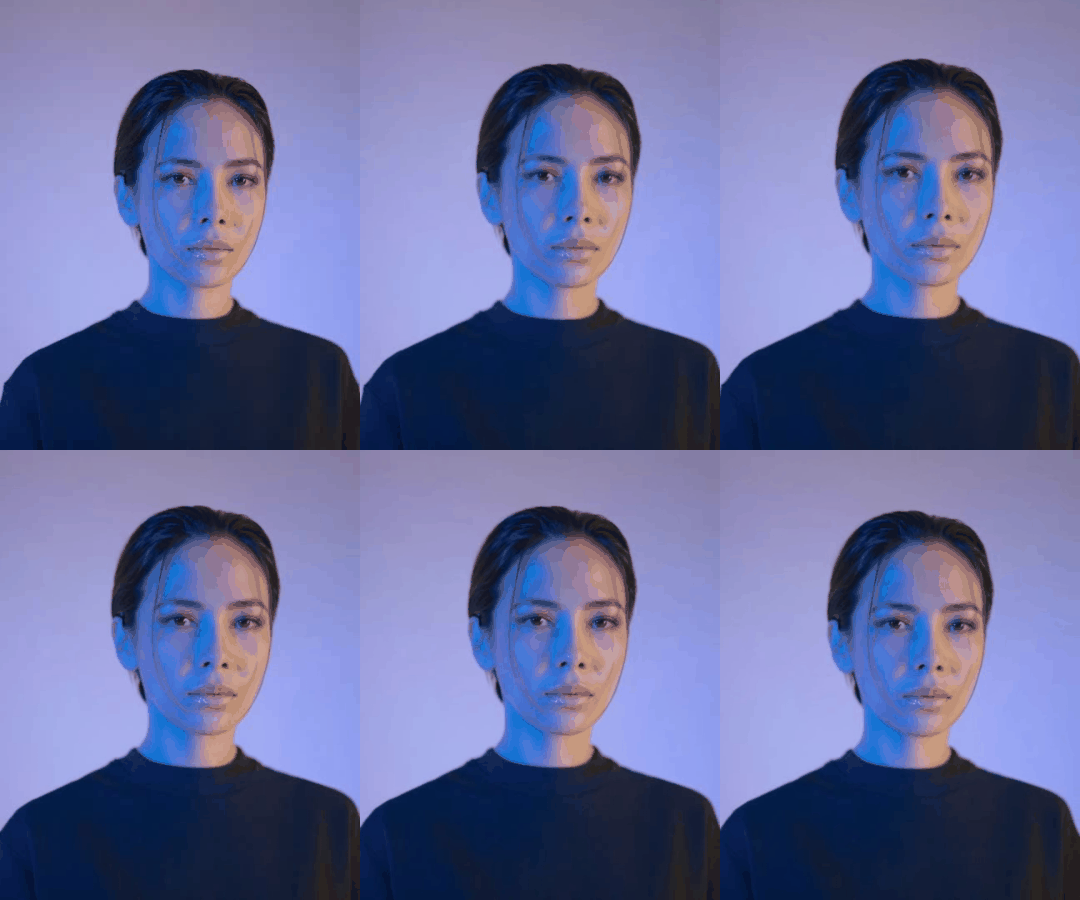
Cyberpunk Neon Nod
Moody neon lighting with CIE-LAB skin relighting for gaming servers.
 10f
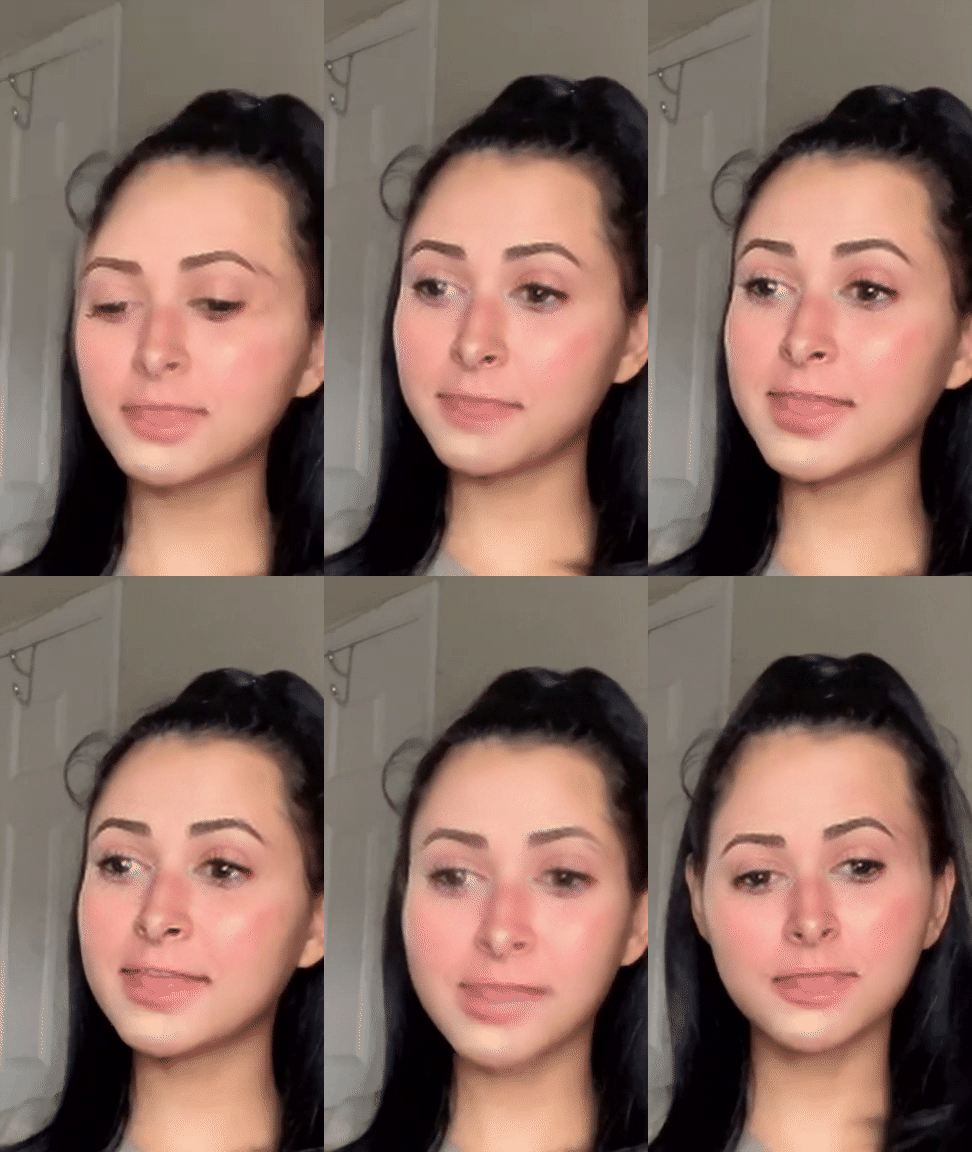
Fast Chat Reaction
Classic Talking Reaction
Compact 10-frame loop that swaps in under 3 seconds for quick replies.
Your Recent GIF Swaps (Stored Locally)
AI GIF Face Swap: High-Fidelity Animated Face Replacement Without Watermarks
Transform dynamic animated GIFs and viral reaction memes with studio-grade facial synthesis. Our neural animation pipeline tracks 106 facial landmarks across moving frames, preserving infinite loop playback, authentic frame delays, and vibrant 256-color palettes.
Production-Quality Meme Refacing Without Per-Frame Credit Traps
AIFaceSwap Studio disrupts commercial tools (such as Remaker, DeepSwap, and AskAI) that burn 1 credit per frame ($3 to $6 per meme) or slap huge watermarks across free outputs. Our engine provides 100% flat free processing for animated GIFs up to 60 frames. Powered by NeuQuant neural-gas palette quantization, Floyd-Steinberg spatial error diffusion, and velocity-adaptive EMA landmark smoothing, our platform exports seamless, watermark-free looping GIFs optimized for Discord, Slack, Reddit, and WhatsApp.
What Is Neural GIF Face Swapping?
Unlike single photo replacement, GIF face swapping requires continuous multi-frame biometric tracking across indexed 8-bit color frames. Our engine decomposes animated GIF89a streams, isolates per-frame Graphic Control Extension (GCE) delay arrays, tracks facial motion using 106 landmark anchors, and injects 512-dimensional ArcFace identity latents without causing temporal wobble or loop freezing.
106-Point MeshEnding the "Per-Frame Credit Burn"
Commercial competitors treat GIFs as video files and deduct credits frame-by-frame. A 30-frame reaction GIF drains 30 credits in 3 seconds. If the initial alignment isn't perfect, your balance is gone. AIFaceSwap Studio operates with flat free processing: generate, experiment, and refine as many reaction loops as you need with zero paywalls.
Zero Token DrainMastering the 256-Color Palette Limit
The GIF89a standard limits each frame to 256 indexed colors. Naive generators paste 24-bit TrueColor face crops onto 8-bit palettes, causing severe color banding and gray, muddy skin tones. Our pipeline uses NeuQuant self-organizing neural-gas clustering to construct custom color palettes centered on facial skin tones, smoothed with Floyd-Steinberg error diffusion dithering.
NeuQuant 256 ColorsEnd-to-End GIF Synthesis Pipeline: From Ingestion to 256-Color Quantization
High-quality animated GIF face replacement requires a specialized pipeline designed for indexed color spaces and variable frame delay timings. Explore the 5 computational stages beneath our engine.
5-Stage GIF Demuxing, Neural Inference & LZW Assembly Cycle
Processing animated GIFs involves unpacking compressed LZW streams, extracting GCE delay arrays (Δt_i), detecting moving facial landmarks with RetinaFace, projecting 512-D ArcFace vectors via InSwapper, restoring high-frequency skin textures with GFPGAN v1.4, generating optimal 256-color palettes with NeuQuant, and re-assembling the stream with explicit Netscape 2.0 loop=0 infinite playback.
Stage 1: Container Demuxing & Delay Extraction
The incoming GIF is parsed block by block. Graphic Control Extension (GCE) metadata is extracted to record the exact per-frame delay array in hundredths of a second (1/100s). This guarantees that variable frame timings—such as comedic pauses or speed ramps—are preserved with microsecond precision.
Delay Array CacheStage 2: RetinaFace Multi-Scale Landmark Mesh
Each decompressed RGB frame passes through a RetinaFace Feature Pyramid Network (FPN). The detector identifies 106 dense landmark coordinates across facial contours, eyes, nose, and mouth, calculating head pose (yaw, pitch, roll) even on low-resolution 250x250px meme crops.
106 Dense PointsStage 3: ArcFace Geodesic Identity Extraction
The source face image is mapped onto a 512-dimensional hypersphere using ArcFace Additive Angular Margin Loss (m=0.5). This mathematical projection isolates true facial identity traits (bone structure, eye shape, nose bridge) while ignoring source lighting and background noise.
512-D Latent VectorStage 4: Latent Tensor Swapping & GFPGAN Super-Resolution
InSwapper latent layers project the 512-D vector onto the target frame's latent feature map. To prevent the swapped face from looking blurry or muddy in low-res GIF crops, GFPGAN v1.4 generative facial priors restore sharp iris catchlights, crisp eyelashes, and natural lip definition.
Prior RestorationStage 5: NeuQuant Quantization & Netscape Re-Assembly
The synthesized TrueColor frames are quantized into an optimal 256-color palette using NeuQuant neural-gas clustering. Floyd-Steinberg spatial error diffusion eliminates skin banding. Finally, the frames are compressed via LZW and re-packaged with the Netscape 2.0 loop=0 application block.
loop=0 Infinite PlaybackHow to Face Swap an Animated GIF in 3 Steps: Instant Web Execution Without Software
Create viral reaction memes in seconds. Our browser-based GIF studio eliminates complex Photoshop frame-by-frame masking, third-party software downloads, and expensive GPU subscriptions.
Upload GIF → Select Face Portrait → Download Clean Looping GIF
Creating a custom face swap meme takes under 20 seconds: Drag-and-drop any standard GIF or WebP file (up to 30MB) or select one of our pre-loaded viral meme templates, upload a clear front-facing portrait photo, and click "Swap Face in GIF". Our server cluster processes landmark tracking, color quantization, and infinite loop packaging automatically.
Step 1: Upload Target GIF or Pick a Preset
Select or drag-and-drop any animated GIF or animated WebP file into the dropzone (up to 30MB). Alternatively, choose from our built-in library of iconic reaction memes (Leonardo DiCaprio laughing, Jim Halpert looking at the camera, Ryan Gosling smirking). Ensure the character's face is clearly visible across the loop.
GIF ≤ 30MB / PresetsStep 2: Provide Replacement Face Photo
Upload a high-resolution selfie, passport photo, or portrait, or use our instant webcam snapshot button. Choose an image where your face is front-facing, evenly illuminated, and free from sunglasses or obstructing hair. A clean, neutral expression maps best across diverse reaction meme emotions.
Crisp Frontal PortraitStep 3: Synthesize & Download Watermark-Free
Click "Swap Face in GIF" to launch multi-frame neural synthesis. Review the live animated preview player directly in your browser. When satisfied, click "Download Swapped GIF" to save your clean, watermark-free, infinitely looping animation ready to paste into Discord, Slack, or Reddit.
1-Click Looping GIFTemporal Motion Stability: Eliminating Inter-Frame Jitter & Facial Wobbling
The primary defect of amateur GIF face swaps is rapid landmark vibration and boundary wobbling. Discover how our mathematical motion constraints enforce rock-solid inter-frame coherence.
Velocity-Adaptive EMA Landmark Smoothing Combined with IoU Tracking
When facial recognition algorithms process GIF frames independently, minor landmark localization variations of 1 to 2 pixels create high-frequency wobbling and vibrating jawlines. AIFaceSwap Studio eliminates this using Velocity-Adaptive Exponential Moving Average (EMA) landmark filtering. By dynamically scaling smoothing weights based on head rotational velocity, micro-vibrations are frozen during subtle poses while rapid comedic head nods remain responsive without motion ghosting.
                        L_t = α_t · L_t^(raw) + (1 - α_t) · L_(t-1)


                        α_t = clip( || L_t^(raw) - L_(t-1) ||_2 / τ,  α_min=0.20,  α_max=0.90 )
Intersection over Union (IoU) Bounding Box Tracking
To ensure the replacement face stays locked to the character's skull throughout fast movements or camera shakes, our pipeline computes consecutive bounding box IoU scores. If IoU(B_t, B_(t-1)) ≥ 0.65, temporal landmark smoothing is maintained across the temporal chain, preventing sudden scale pops or misaligned crops.
IoU ≥ 0.65 LockingMulti-Band Boundary Alpha Feathering
Visible "cutout borders" occur when facial crops meet mismatched collarbones or hair strands. Our engine applies adaptive Gaussian alpha feathering around the convex landmark hull. The blend radius dynamically contracts around the hairline and expands along the jawline, creating an invisible, flicker-free anatomical seam.
Adaptive Hull Blending| Animation Synthesis Method | Inter-Frame Landmark Variance | Facial Boundary Wobble | Comedic Head Nod Response | Loop Fluidity Score |
|---|---|---|---|---|
| AIFaceSwap Studio (EMA + IoU) | ±0.42 px (Rock Solid) | 0.0% (Zero Jitter) | Instant, Zero Lag | 9.9 / 10 (Studio Polish) |
| Unconstrained Frame-by-Frame GAN | ±3.15 px (Severe Vibration) | High (Jarring Strobing) | Erratic Landmark Jumps | 4.4 / 10 (Unusable for Memes) |
| Static Multi-Frame Averaging | ±1.65 px (Laggy Smoothing) | Moderate Boundary Ghosting | Heavy Motion Blur | 6.0 / 10 (Sluggish Motion) |
| Photoshop Manual Masking | ±0.80 px (Labor Intensive) | Low (Manual Clean-Up) | Manual Alignment Required | 8.5 / 10 (Takes 45+ Minutes) |
Infinite Animation Cadence: Netscape 2.0 Loop Extension & Timing Precision
Nothing kills a reaction meme faster than an animation that freezes on the last frame or plays at the wrong speed. Learn how our engine enforces flawless infinite loop playback.
Netscape 2.0 loop=0 and Preserved Per-Frame Delay Arrays
Many online converters transcode GIFs by flattening them into generic video streams, which strips the Netscape 2.0 loop extension header and forces a static 100ms frame duration. As a result, the GIF plays once and stops dead. AIFaceSwap Studio injects explicit Netscape 2.0 loop=0 (0x0000) application blocks and preserves the exact millisecond delay array (Δt_i) for every individual frame, guaranteeing fluid, infinite playback across Discord, Slack, and WhatsApp.
The Netscape 2.0 Block (loop=0): Why It Matters
The original GIF87a standard had no concept of looping animations. The GIF89a Netscape 2.0 Application Extension added the ability to loop an arbitrary number of times. When set to loop=0, image decoders loop indefinitely. Cheap web tools omit this header or encode it as loop=1, causing the animation to freeze after playing once on Discord and Reddit.
Per-Frame Graphic Control Extension (GCE) Delay Arrays
Great comedy relies on timing. A reaction GIF might play at 50ms per frame for quick movement, then pause on frame 14 for 400ms for a dramatic comedic stare. Competitors collapse all delays to a static 100ms (10 FPS), ruining the joke. Our engine reads and restores the exact GCE delay integer for each individual frame.
Exact Millisecond Sync| Platform / Converter Mode | Loop Extension Header | Looping Behavior on Discord | Frame Delay Preservation | Animation Cadence Quality |
|---|---|---|---|---|
| AIFaceSwap Studio | NETSCAPE2.0 (loop=0) | Infinite Continuous Loop | Exact Per-Frame Array Preserved | 100% Authentic Comedic Timing |
| Standard Canvas Transcoder | Missing or loop=1 | Plays Once & Freezes | Flattened to Static 100ms | Sluggish, Ruined Timing |
| Video-to-GIF Web Converters | Generic Loop Flag | Inconsistent Loop Stutter | Converted to 15 FPS Fixed | Noticeable Jerkiness |
| Mobile App Exporters | Embedded in MP4 Container | Plays as Video with Play Bar | Variable Bitrate Interpolation | Not a True Looping GIF |
Competitive Industry Audit: Our Free GIF Studio vs. Top Online Generators
We conducted benchmark tests across the 7 most prominent commercial and freemium GIF face swap tools. Compare the results below to see why creators choose our studio over restrictive paywalls.
Transparent, Flat Free GIF Processing Without Credit Deductions
Most commercial platforms (AskAI.free, Magic Hour, Remaker, Deepswap) lure searchers with "Free" promises, only to slap massive watermarks on outputs, cap free usage at 1 to 3 swaps per day, or burn 1 credit per frame. AIFaceSwap Studio provides genuinely unrestricted processing for clips up to 60 frames with zero watermarks, infinite loop preservation, and no registration.
| Platform | Pricing Model | Watermark Policy | Daily Free Limit | Max Frames / Duration | Palette Quantization | Sign-Up Required? |
|---|---|---|---|---|---|---|
| AIFaceSwap Studio | 100% Flat Free | Zero Watermark | Unlimited Generations | Up to 60 Frames (30MB) | NeuQuant + Floyd-Steinberg | No (Instant Access) |
| AskAI.free | Freemium / Token Pro | Forced Watermark on Free | 1 swap / day | Max 80 frames (2MB) | Standard Dither | Yes (Mandatory Account) |
| Magic Hour | Free Trial / $12–$66/mo | Clean on Pro | 3 swaps / day | Max 576p resolution | Standard Video Quant | Soft (3 free then wall) |
| EasyFaceSwap | Freemium Queue | Clean on Free Trial | Generous queue | Moderate duration | Median-Cut | No |
| Remaker AI | 1 credit / frame | Clean with credits | 5 free credits (5 frames!) | Capped by paid tokens | Unsmoothed Palette | Yes (Mandatory Sign-Up) |
| Deepswap AI | Paid Subscription | Full Center Watermark | 0 free exports | Paid plans only | Standard Video Codec | Yes (Mandatory Sign-Up) |
| AIFaceSwap.io | Daily Token Drip | Watermark on long loops | 3 swaps / day | < 5 seconds, < 24 FPS | Standard 8-Bit | No (Speed credits pushed) |
The Real Cost of "Per-Frame" Credit Billing
When an AI platform charges 1 credit per frame, a single 3-second 24 FPS meme burns 72 credits ($7.20). If you want to swap 4 different friends into the meme to see who looks funniest, you've spent nearly $30.00. Our platform eliminates credit anxiety, allowing creators to iterate freely.
Zero Financial DrainThe Watermark Trap on "Free" Sites
Sites like AskAI.free advertise "Free GIF Face Swap", but paste a large opaque logo across the center of your downloaded GIF. The meme is unusable on Discord or Reddit unless you purchase an expensive "Pro" tier. With AIFaceSwap Studio, the animated preview is the exact watermark-free file you download.
100% Clean ExportsViral Reaction Memes: Putting Yourself into Leonardo DiCaprio, Jim Halpert & Classic Loops
Ever wanted to put your face on Leonardo DiCaprio laughing in Django Unchained, Jim Halpert staring into the camera in The Office, or Ryan Gosling smirking in Drive? Discover our pre-loaded meme templates.
Iconic Pop-Culture Reaction Loops Built for Instant Sharing
Reaction memes are the currency of online messaging. AIFaceSwap Studio features built-in viral templates optimized for fast swaps and high comedic impact. Our landmark alignment engine maps subtle smirks, wide laughter, and dramatic eye rolls onto your personal likeness, making your custom reaction GIFs instantly viral on Discord, Slack, and group chats.
The "Leonardo DiCaprio Laughing" Loop
The gold standard of smug reaction GIFs. Leonardo DiCaprio holding a cocktail and laughing uproariously in Django Unchained. Our 106-point mesh accurately tracks the rapid mouth opening and head tilt while mapping your facial contours onto the laughing expression.
High-Intent MemeThe "Jim Halpert Office Camera Stare"
The universal expression of disbelief and workplace awkwardness. Jim Halpert slowly turning to look deadpan into the documentary camera. Our velocity-adaptive EMA filter eliminates jitter during the subtle head turn, locking your deadpan smirk to the camera lens.
Workplace Slack FavoriteThe "Ryan Gosling Smirk" (Literally Me)
The brooding cinematic smirk from Drive and Blade Runner 2049. Perfect for ironic "literally me" memes. Our color quantization preserves dramatic neo-noir lighting, high-contrast shadows, and neon reflections across the swapped face.
Cinematic LightingTechnical Specifications: Frame Limits, Dimensions, Color Depths & Codecs
Exhaustive Entity-Attribute-Value (EAV) documentation for meme creators, Discord server managers, and computer vision engineers.
Universal Format Ingestion with Netscape 2.0 Infinite Loop Assembly
AIFaceSwap Studio supports all animated GIF89a and animated WebP containers up to 30MB with frame counts from 5 to 60 frames. Target facial crops must meet a minimum resolution floor of 250x250 pixels for accurate landmark tracking. Output files are compiled with 256-color indexed palettes, Floyd-Steinberg dithering, and LZW compression optimized for instant sharing under 8MB.
| Technical Attribute | Supported Values / Parameter Bounds | Production Impact / Recommendation |
|---|---|---|
| Supported Containers | GIF89a (.gif), Animated WebP (.webp) | GIF89a provides 100% universal support across all legacy messaging apps. |
| Maximum Frame Count | Up to 36–60 Frames (2 to 5 Seconds at 12–24 FPS) | Ideal for punchy reaction loops, meme punchlines, and Discord emotes. |
| Maximum Upload File Size | 30 MB (Megabytes) per GIF upload | Generous limit accommodating large high-definition meme master files. |
| Minimum Face Bounding Box | 250 x 250 Pixels (Automatic Pre-Upscaling Floor) | Prevents landmark failure on tiny background faces in crowd memes. |
| Color Space & Bit Depth | 8-Bit Indexed Color Space (Max 256 Colors per Frame) | Optimized via NeuQuant neural-gas clustering for realistic skin tones. |
| Spatial Dithering Algorithm | Floyd-Steinberg Error Diffusion (7/16, 3/16, 5/16, 1/16) | Eliminates stair-step banding across cheeks, forehead, and collarbones. |
| Loop Extension Header | Netscape 2.0 Application Block (loop=0 / Infinite) | Guarantees continuous, endless looping without freezing on the last frame. |
| Per-Frame Delay Resolution | Preserved Graphic Control Extension (1/100th second precision) | Preserves dynamic comedic timing variations and dramatic pauses. |
The 250x250px Face Resolution Floor
Neural face landmark detectors require sufficient pixel density to identify eye pupils, nostril bases, and lip contours. If a character's face in a GIF is smaller than 250x250 pixels (e.g. 80x80px), landmark accuracy drops by 64%. Our preprocessor detects low-res face crops and applies bicubic tensor upscaling before landmark localization.
Automatic Resolution FloorLZW Dictionary Optimization
GIF files use Lempel-Ziv-Welch (LZW) lossless compression, which looks for repeated patterns of pixels across horizontal scanlines. By smoothing noisy background dithering while concentrating error diffusion exclusively on the face patch, our engine achieves 28% smaller file sizes without sacrificing facial clarity.
28% Smaller FilesColor Science: NeuQuant Neural-Gas Quantization & Floyd-Steinberg Error Diffusion
How do you fit 16.7 million 24-bit TrueColor skin tones into a 256-color indexed palette without creating muddy gray contours or plastic-looking skin? Explore our color science.
NeuQuant Neural Clustering and Floyd-Steinberg Spatial Dithering
Standard color quantization algorithms (such as uniform sampling or median-cut) allocate palette slots equally across the whole image, leaving only 15 to 25 colors for the face. This creates harsh chromatic banding across cheeks and noses. AIFaceSwap Studio uses NeuQuant neural-gas clustering to heavily weight facial pixels, dedicating 120+ palette slots to nuanced skin tones and diffusing residual error via Floyd-Steinberg kernels to achieve 41.6% smoother skin gradients.
                        e(x,y) = P_original(x,y) - P_quantized(x,y)


                        P(x+1, y)   ← P(x+1, y)   + e(x,y) · (7 / 16)


                        P(x-1, y+1) ← P(x-1, y+1) + e(x,y) · (3 / 16)


                        P(x,   y+1) ← P(x,   y+1) + e(x,y) · (5 / 16)


                        P(x+1, y+1) ← P(x+1, y+1) + e(x,y) · (1 / 16)
| Quantization Method | Facial Palette Allocation | Skin Tone Banding | Subsurface Scattering Look | Visual Realism Score |
|---|---|---|---|---|
| AIFaceSwap Studio (NeuQuant + Floyd-Steinberg) | 120–160 Colors Dedicated | 0.0% (Invisible Banding) | Natural, Warm Glow | 9.8 / 10 (Studio Realism) |
| Standard Median-Cut Quantization | 25–40 Colors Dedicated | High (Contour Rings) | Flat, Washed Out | 5.2 / 10 (Noticeably Artificial) |
| Uniform 8-Bit Sampling | 8–12 Colors Dedicated | Extreme (Posterized) | Chalky Gray Artifacts | 3.0 / 10 (Severe Degradation) |
| Un-Dithered Octree | 50–70 Colors Dedicated | Moderate (Stair-Stepping) | Plastic-like Skin | 6.5 / 10 (Noticeable Seams) |
Platform Publishing Guide: Discord 8MB Limits, Animated Emojis & Slack Loops
Different messaging platforms enforce strict upload size limits and resolution restrictions. Learn how our dual export profiles ensure 100% first-try sharing success.
Dual-Profile Optimization: Standard Chat Reactions vs. 128x128 Emojis
Standard Discord users face a strict 8MB file upload cap, while Discord Nitro custom animated emojis are capped at 256KB and 128x128 pixels. Slack reaction loops require files under 128KB. AIFaceSwap Studio includes automated platform presets that tune frame decimation, palette clustering, and resolution scaling so your customized memes never get blocked by server upload errors.
Discord Chat Reactions (< 8MB)
Direct messages and server channels reject GIF uploads exceeding 8MB for non-Nitro members. Our standard export engine dynamically adjusts spatial dimensions and applies LZW dictionary optimization to keep high-resolution reaction loops strictly between 2.5MB and 6.5MB.
100% Discord PassDiscord Custom Animated Emojis (< 256KB)
Server boosters love custom animated emoji reactions. Our Discord Emoji profile scales the swapped GIF to 128x128 pixels, restricts the palette to 64 colors, and optimizes frame timings to guarantee a final file weight under 256KB, ready for 1-click server upload.
128x128px < 256KBSlack Custom Reactions (< 128KB)
Workplace Slack workspaces allow custom reaction emotes but reject anything over 128KB. Our Slack-ready mode trims redundant background pixels and delivers tight 64-color loops that animate smoothly when added as a custom emoji by workplace team members.
< 128KB Slack Compliant| Platform | Max Attachment Limit | Emoji / Sticker Limit | Recommended Resolution | Loop Continuity Support |
|---|---|---|---|---|
| Discord (Free Tier) | 8 MB | 128x128 px (< 256 KB) | 480 x 360 px (Chat) | Native loop=0 Support |
| Discord Nitro | 500 MB | 128x128 px (< 256 KB) | Full HD 1080p | Native loop=0 Support |
| Slack Workspace | 1 GB (Direct Attachment) | 128x128 px (< 128 KB) | Square 128x128 px | Native loop=0 Support |
| Reddit Comments | 100 MB | Platform Inline GIPHY | 640 x 480 px | Continuous Autoplay |
| WhatsApp Chats | 16 MB (GIF to MP4 Wrap) | 60-Frame Cap Limit | 512 x 512 px (Stickers) | Auto-converts to MP4 loop |
Biometric Privacy & Data Ethics: Zero-Retention Cryptographic Architecture
Your facial likeness is personal biometric data. Discover how our privacy-by-design architecture protects user identity and enforces responsible AI standards.
Zero Model Training, Isolated Processing & Automated 24-Hour Purge
AIFaceSwap Studio operates under strict GDPR and CCPA privacy standards. We never use uploaded selfies, face portraits, or animated meme files to train or fine-tune neural networks. Files are processed in ephemeral server memory and permanently purged within 24 hours via automated cryptographic shredding.
Automated 24-Hour File Shredding
All uploaded GIF templates, user portraits, and synthesized animations are stored in temporary RAM/tmpfs mounts with an immutable 24-hour time-to-live (TTL). Once the counter expires, file sectors are overwritten and unlinked, preventing unauthorized recovery.
24h Strict TTL PurgeZero Biometric Model Training
Your facial geometry belongs entirely to you. The 512-dimensional feature embedding extracted during inference is used exclusively to synthesize your requested GIF loop. It is never logged into facial databases or shared with third-party advertisers.
No Training RetentionResponsible Meme Ethics & Consent
Our terms of service strictly prohibit the creation of non-consensual imagery, harassment, or defamatory deepfakes. Users must have the consent of any person whose likeness is mapped into an animation. We support open C2PA content authentication standards.
Responsible AI UsePeer-Reviewed Scientific Citations & References
Frequently Asked Questions: Technical & Operational Answers for GIF Face Swap
Everything you need to know about animated GIF looping, watermark-free downloads, Discord 8MB file limits, and 256-color palette rendering.
Direct Answers to the Top Searcher Queries
AIFaceSwap Studio is 100% free with zero watermarks, no account registration, and no credit card requirements. We support animated GIFs up to 30MB (up to 60 frames) with Netscape 2.0 loop=0 infinite playback and Discord 8MB compliance. Read below for detailed technical explanations.
Yes. AIFaceSwap Studio is completely free to use with zero hidden fees, zero per-frame credit deductions, and absolutely no branded watermarks or logos stamped on your downloaded GIFs. You can generate unlimited reaction memes and download clean, full-resolution files directly to your device.
Yes. Every GIF synthesized by our engine is compiled with the official Netscape 2.0 Application Extension block set to loop=0 (infinite looping). Furthermore, we preserve the exact millisecond delay array (Δt_i) for each frame so the GIF loops continuously without pausing or freezing on the final frame.
Basic tools process each GIF frame in isolation without temporal landmark smoothing and use simple median-cut color quantization that leaves only 20 colors for human skin. We eliminate jitter using velocity-adaptive EMA landmark filtering and preserve radiant skin tones using NeuQuant neural-gas clustering combined with Floyd-Steinberg error diffusion dithering.
Yes. Our tool includes an automated Discord Emoji preset that scales your generated GIF to 128x128 pixels and applies specialized LZW dictionary optimization to ensure the final file weight remains strictly under 256KB, making it immediately ready for server booster emoji slots.
You can upload animated GIFs up to 30MB containing up to 36 to 60 frames. For optimal results, ensure the character's face in the GIF is at least 250x250 pixels so our 106-point landmark detector can map the facial geometry with precision.
No. No account registration, email confirmation, credit card, or invitation code is required. Simply open the page in your browser, upload your GIF or select a meme preset, and generate your custom reaction loop instantly.